
Adding and Editing Data (video)
Add Division
Click on the New button.
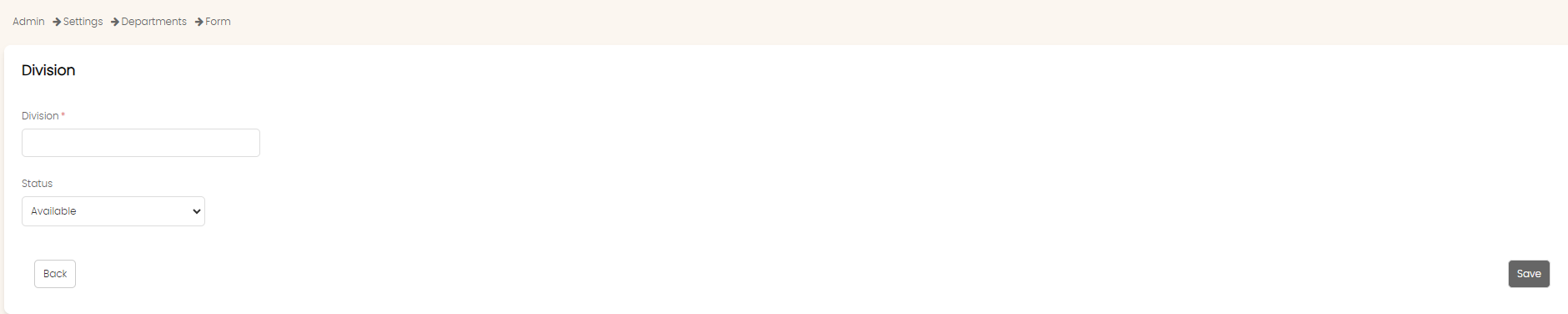
Enter the name of the division in the Division field and click on Save.
Add Department
Click on the New button.
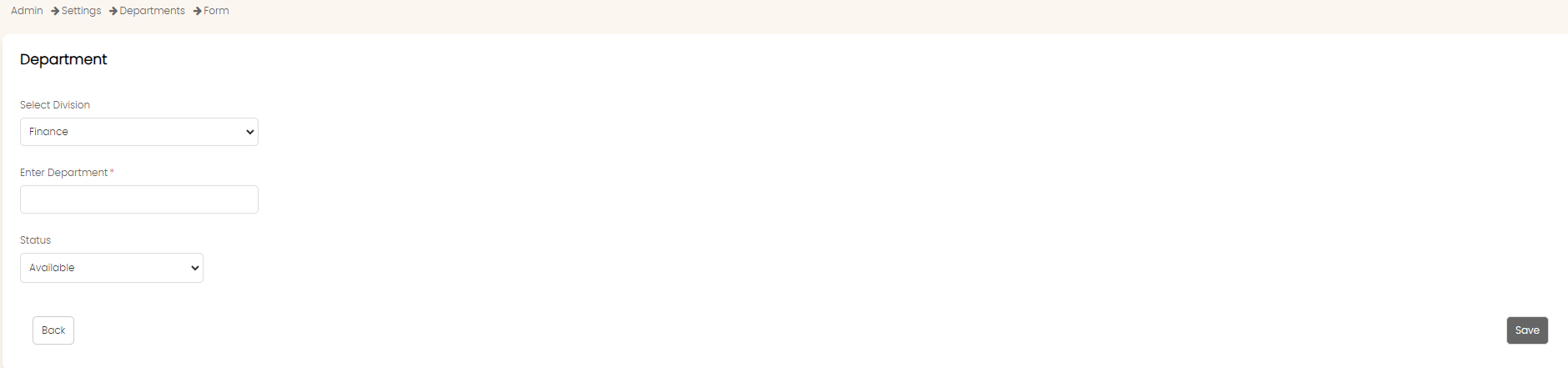
Choose the division in the Select Division field.
Enter the name of the department in the Enter Department field.
Select status in the Status field.
Click on Save.
Add Section
Click on the New button.
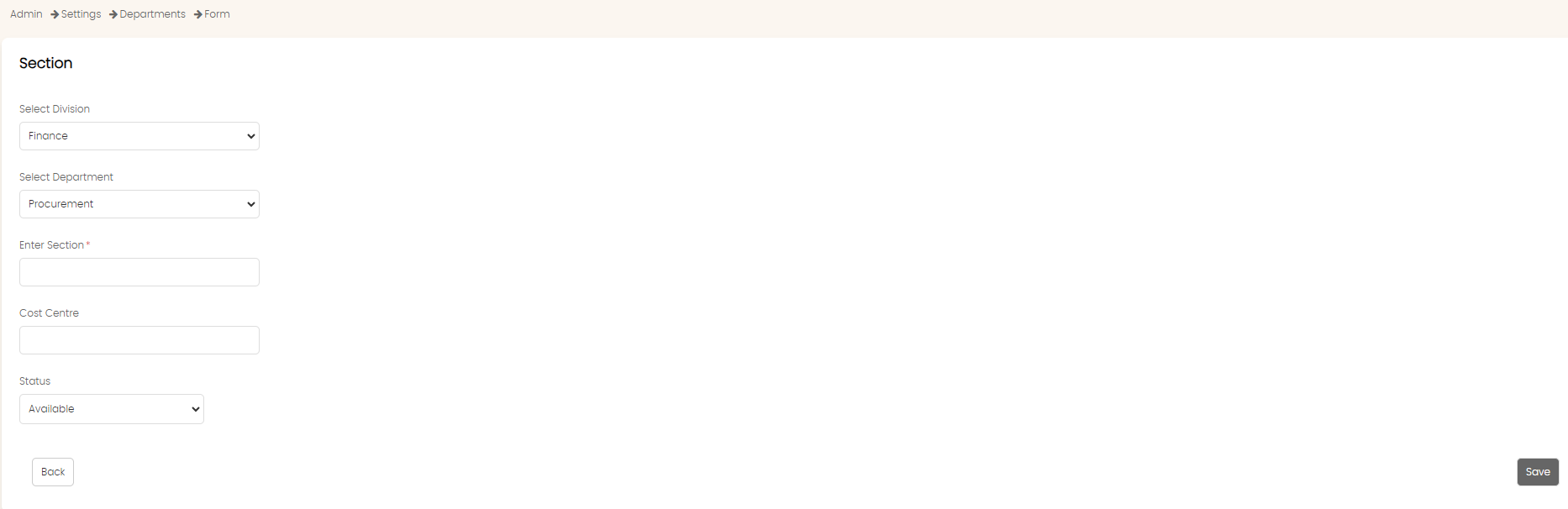
Select the division from the Select Division field. The department field will auto populate with the departments under the division.
Select the department from the Select Department field.
Enter the section name in the Enter Section field.
Enter the cost centre in the Cost Centre field.
Select status in the Status field.
Click on Save.
Editing, Make Inactive and Delete Data
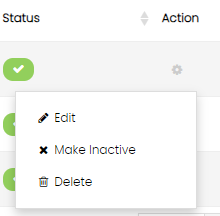
Go to the Action menu to edit, delete or make the record inactive.
Created with the Personal Edition of HelpNDoc: Converting Word Documents to eBooks: A Step-by-Step Guide with HelpNDoc